

How to pick a ChatGPT alternative in 60 seconds
- If you write a lot (blogs, reports) and want safe, nuanced edits: Choose Claude.
- If you’re deep in Gmail, Docs, Drive, and need to upload long PDFs (hundreds of pages): Choose Google AI Pro (Gemini).
- If your work depends on up-to-date research, news, or citations: Choose Perplexity Pro.
- If your day is in Word/Excel/PowerPoint/Outlook/Teams: Choose Microsoft Copilot.
- If you want a lean, quick, EU-based option with a pleasant UX: Try Mistral Le Chat.
Why read this (especially if you’re a beginner)
You’re not alone if you’re wondering whether there’s a better AI than ChatGPT—especially for your specific workflow. In 2025, the strongest ChatGPT competitors have matured into clear “best in class” options for different jobs:
- Writing and nuanced reasoning? Claude.
- Massive files and Google ecosystem? Gemini (Google AI Pro).
- Research with citations? Perplexity.
- Office productivity in Word/Excel/PowerPoint? Copilot.
- Fast, lightweight chat from an EU provider? Mistral Le Chat.
This guide translates the jargon (tokens, context windows, models) into simple, practical choices—so you can pick AI tools like ChatGPT that match your day-to-day tasks, budget, and comfort level.
Key concepts you’ll feel in daily use
- Reasoning quality: How reliably the AI “thinks” and avoids nonsense.
- Context window: How much text you can paste/upload (longer = more useful for large PDFs).
- Real-time web: Can it browse and cite recent information?
- File analysis: Can it summarize PDFs, spreadsheets, images?
- Ecosystem fit: Does it integrate with your email/docs/spreadsheets?
- Pricing model: Flat monthly vs. usage-based tokens (APIs are token-based; consumer chat plans are typically flat).
1) Anthropic Claude (Sonnet / Claude Pro)
Claude is one of the most respected ChatGPT competitors for careful reasoning, safe outputs, and great writing assistance. Claude Sonnet is Anthropic’s “balanced” model tier; it’s a strong default for most people.
- What it is
- A family of models with great reasoning/writing. Sonnet is the mid/high tier preferred by many professionals.
- Pricing (consumer and API)
- Consumer chat: Claude Pro is listed at $17/mo with an annual commitment ($200 upfront), or $20/mo month-to-month; Team and Max plans exist at higher tiers. Source: Anthropic pricing
- API: Sonnet input at $3/M Tok and output at $15/MTok; Haiku is cheaper; Opus is pricier. Source: Anthropic API pricing
- Context: Claude Sonnet commonly supports up to 200K tokens; Sonnet 4 supports up to a 1M-token context window in beta for certain organizations/tiers, with premium pricing beyond 200K input tokens. Source: Anthropic API pricing
- Model update and launch info: Anthropic news
- Strengths
- Outstanding editing, summarization, and “extended thinking” on complex tasks.
- Polished tone for professional writing and safe guardrails.
- Solid code help and image understanding for mainstream needs.
- Limitations
- API token math can be confusing if you’re new to usage-based billing.
- The 1M-token context window is not universal—it’s limited and billed at premium rates beyond 200K tokens. Source: Anthropic API pricing
- Claude vs ChatGPT (at a glance)
- Claude often wins for careful reasoning and editing large drafts; ChatGPT shines for wide-ranging conversation and some emerging multimodal/live features, depending on your plan.
- Best for: Writers, analysts, consultants, academics, and anyone who values careful, safe, and nuanced outputs.
2) Google Gemini via Google AI Pro (formerly “Gemini Advanced”)
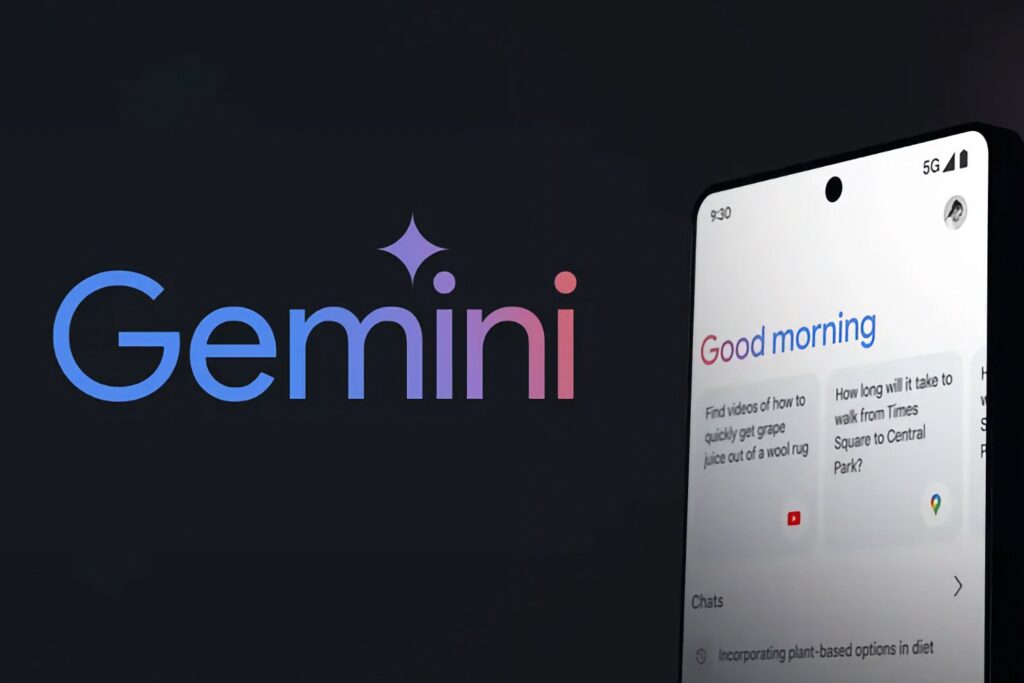
If you want a consumer plan that can digest very long documents and works across Gmail/Docs/Drive, Google AI Pro is a top ChatGPT alternative.
- What it is
- A Google One plan that includes the Gemini app, expanded features, 2 TB storage, and integration in Google apps.
- Pricing and capabilities
- Google AI Pro costs $19.99/month for consumers. Sources: Google AI plans, Gemini subscriptions
- 1-million-token context window in the consumer Pro plan helps you process very large text inputs (e.g., hundreds of pages). Source: Google AI plans
- Deep Research: automated web browsing and synthesis to produce comprehensive research results. Source: Gemini subscriptions
- API pricing for developers (separate from consumer plan): Gemini API pricing
- Strengths
- “Big canvas” analysis: Upload long PDFs and get structured summaries and slides.
- Works natively in Gmail, Docs, Drive, Meet, and Chrome (less copy/paste).
- Excellent for students and teams in Google’s ecosystem.
- Limitations
- Some advanced features roll out regionally and evolve over time.
- The “Ultra” tier is pricey and aimed at heavy power users.
- Gemini vs ChatGPT (at a glance)
- For very long documents and integrated Google workflows, Gemini Pro is compelling; ChatGPT remains a top general-purpose chat assistant with strong coding/creative abilities.
- Best for: Google-native users, long-doc work, study/research inside Google apps.
3) Perplexity (Free and Pro)
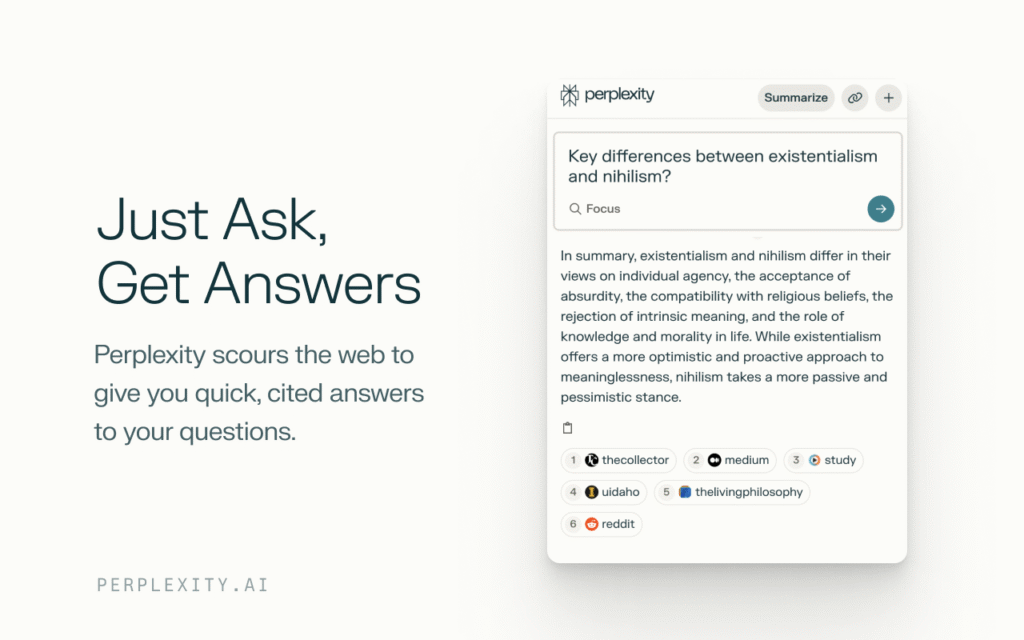
Perplexity is an “answer engine” that blends AI with real-time web search and transparent citations. It’s a top-tier free ChatGPT alternative for factual queries—and Pro unlocks a lot more.
- What it is
- A research-focused chatbot that shows sources by default and stays up-to-date.
- Pricing and plans
- Perplexity Pro (Individual): $20/month (or $200/year). Source: Perplexity Help
- Enterprise Pro (Team): $40/month per seat with admin/security features. Source: Perplexity Enterprise pricing
- Free plan: solid for quick answers and a few daily “Pro searches.”
- Strengths
- Real-time answers with citations—great for SEO fact-checking and current events.
- File analysis and follow-up questions help you iterate your research.
- Pro tier includes access to multiple premium models (availability can change over time).
- Limitations
- Free tier limits “Pro searches” per day; heavy researchers will likely need Pro.
- For creative writing or long code sessions, some prefer ChatGPT or Claude.
- Perplexity vs ChatGPT (at a glance)
- For fact-finding with links and dates, Perplexity usually beats ChatGPT (without browsing).
- For creative ideation or coding without web needs, ChatGPT remains stellar.
- Third-party overview: Zapier’s 2025 comparison.
- Best for: Journalists, researchers, students, SEO pros—anyone who needs sources.
4) Microsoft Copilot
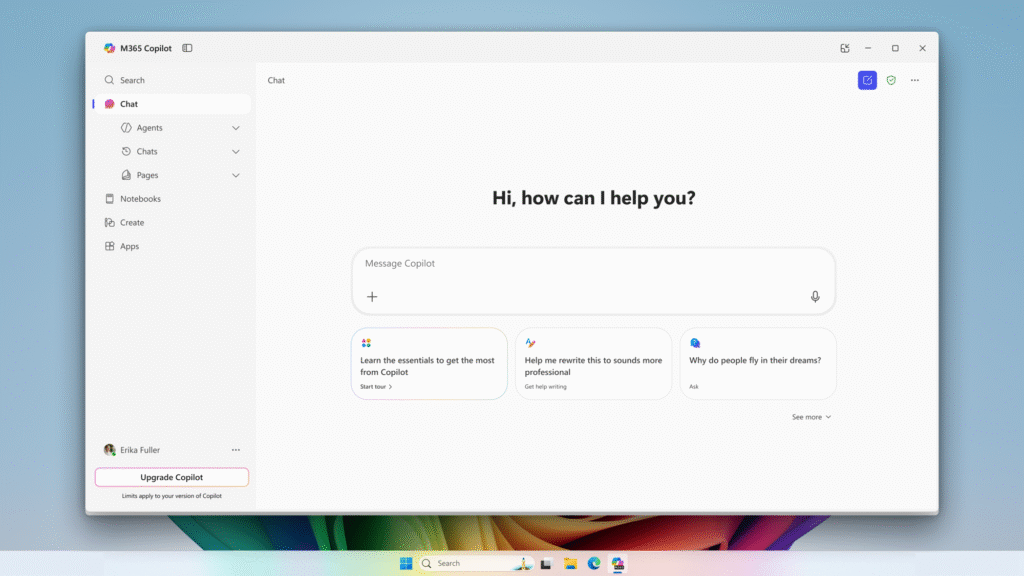
Copilot is the natural ChatGPT alternative if your day runs on Microsoft 365. It brings AI into Word, Excel, PowerPoint, Outlook, and Teams, turning meeting notes, email summaries, and slide drafts into a few clicks.
- What it is
- An AI layer inside Microsoft 365 with chat and document-aware capabilities.
- Why it’s compelling
- Drafts emails in Outlook, summarizes threads, generates slide outlines in PowerPoint, explains spreadsheet logic in Excel, and helps in Teams meeting recaps.
- Pricing note
- Microsoft offers consumer and business/add-on options. Pricing, features, and availability vary by region/edition—confirm on Microsoft’s official Copilot pages before purchasing.
- Copilot vs ChatGPT (at a glance)
- For Office tasks, Copilot wins on convenience and document grounding. For general chat/creative coding, ChatGPT remains excellent.
- Best for: Microsoft 365 users (students, SMBs, enterprises) who want AI woven into their daily apps.
5) Mistral Le Chat
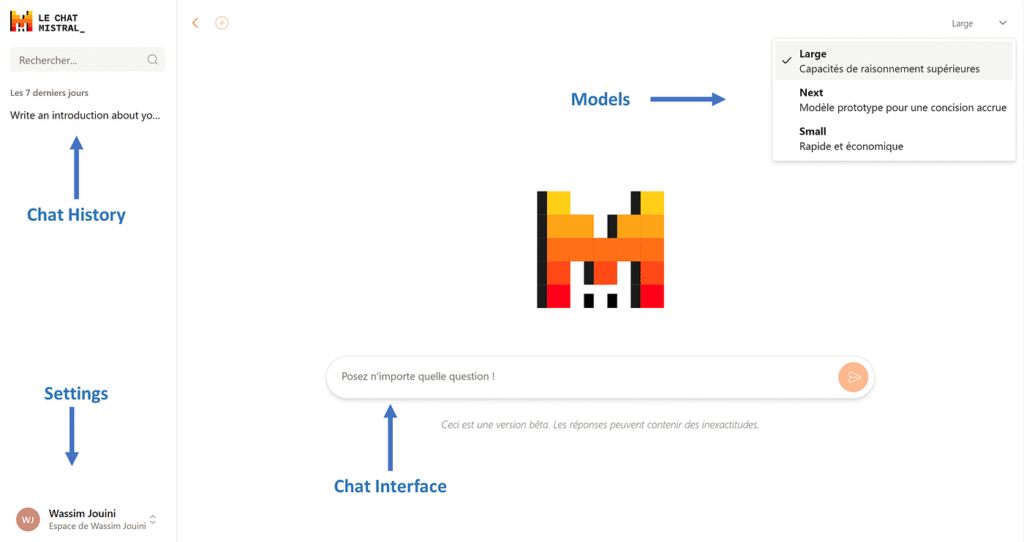
Mistral (EU-based) offers Le Chat, a clean, fast assistant powered by Mistral’s own models. Many appreciate its snappy feel and straightforward UX.
- What it is
- A lightweight chat assistant with increasing capabilities (web, images, etc. on paid tiers where available).
- Why people like it
- Quick, pleasant experience for short tasks, summarization, and Q&A.
- EU-based option for users who prefer European AI providers.
- Pricing note
- Free and paid tiers exist; specifics can vary by region and over time. Check Mistral’s official site for the latest plans and features.
- Mistral vs ChatGPT (at a glance)
- If you want a nimble, low-friction chat tool, Mistral is a nice alternative. For heavy-duty features and larger ecosystems, ChatGPT/Gemini/Copilot may be stronger.
- Best for: Quick answers, EU preference, lean workflows.
At-a-glance comparison
| Tool | Free plan | Popular paid plan | Real-time web | Large context (consumer) | File analysis | Ecosystem fit | Best for |
|---|---|---|---|---|---|---|---|
| Claude (Anthropic) | Yes (usage caps) | Claude Pro (~$20/mo monthly; $17/mo annual equiv.) | Available | 200K typical; Sonnet 4 supports up to 1M tokens via API in beta with premium pricing beyond 200K input tokens | Yes | Neutral (works with many apps) | Reasoning, safe writing |
| Google AI Pro (Gemini) | Yes (free Gemini) | $19.99/mo consumer plan | Deep Research | 1M tokens (consumer Pro plan) | Yes | Deeply integrated with Google apps | Long docs + Google |
| Perplexity | Yes (limited Pro searches/day) | $20/mo (individual Pro) | Yes (with citations) | Moderate | Yes | Neutral | Research + citations |
| Microsoft Copilot | Yes (base features) | Consumer/business add-ons (verify current) | Varies by plan | Moderate | Yes (in Office apps) | Microsoft 365 | Office productivity |
| Mistral Le Chat | Yes (limited) | Paid tiers (verify current) | Available | Moderate | Varies by tier | Neutral/EU | Fast, lean chat |
Which ChatGPT alternative is best for YOU? (Beginner scenarios)
- Blogging and content teams
- Draft with Claude for clean, safe writing. Use Perplexity to collect fresh stats and citations. If you’re in Google, use AI Pro for long sources and slide drafts.
- Students and teachers
- Gemini’s 1M-token context window is a lifesaver for reading packs and research. Perplexity helps verify claims and generate bibliographies.
- SEO and research-heavy roles
- Perplexity Pro first (sources by default). Claude to rewrite/summarize. Keep an eye on Gemini’s Deep Research for multi-source synthesis.
- Office-heavy jobs
- Copilot for email triage, slide generation, meeting summaries, and spreadsheet explanations. Use Claude or Perplexity as a second tool when you need polished writing or citations.
- Solo entrepreneurs
- Two-tool stack: Perplexity (research) + Claude (writing) covers most needs. Add Gemini if you’re Google-native or deal with large PDFs.
Getting started fast (copy/paste prompts)
- Perplexity (research)
- “Find the latest updates (last 30 days) on Google’s AI Overviews and summarize impacts on SEO. Include dates and links to official announcements and credible trade publications.”
- Claude (editing/writing)
- “You are an experienced editor. Rewrite the following section for beginners. Keep the meaning, remove jargon, and add short examples. Maintain neutral, professional tone.”
- Gemini (long documents)
- “I uploaded a 200-page market report. Extract the top 10 insights with page references, then produce an executive summary under 250 words, and finally 8 bullet points I can paste into Google Slides.”
- Copilot (Office)
- “Summarize this email thread into decisions, open questions, and action items by owner. Draft a reply confirming decisions and requesting missing details.”
- Mistral Le Chat (quick tasks)
- “Summarize this 6-page PDF in 6 bullets under 20 words each. Add one cautionary note.”
FAQs: ChatGPT alternatives (2025)
- What’s the best free ChatGPT alternative?
For factual questions with sources, Perplexity’s free tier is excellent (limited daily Pro searches). For general chat and light writing, try Claude’s free usage. “Best” depends on your main task.
- Is there a better AI than ChatGPT?
It depends on your use case. Claude is a favorite for careful reasoning and safe writing. Gemini Pro has a huge 1M-token context window for large docs. Perplexity is best for research with citations. Many pros pay for two tools.
- Which tools have the biggest context windows?
Consumer: Google AI Pro lists a 1M-token context window. Source: Google AI plans
API: Anthropic’s Sonnet 4 supports up to 1M tokens in beta; premium pricing applies beyond 200K input tokens. Source: Anthropic API pricing
- Which ChatGPT competitor is best for SEO?
Use Perplexity to verify facts with sources; Claude to write/edit safely; Gemini to process long PDF research. Always add human E‑E‑A‑T (experience, expertise, author transparency, and trust).
- Do these tools browse the web live?
Perplexity does (with citations). Gemini has Deep Research. Claude and ChatGPT offer browsing or search modes depending on plan availability. Copilot includes web/Bing access in specific contexts—confirm on Microsoft’s official pages.
- Should I pay monthly or annually?
Start monthly to test fit. If it becomes core to your workflow, annual plans often save ~15–20% (check each tool’s current terms).
Final recommendations (Beginner-friendly)
- For most beginners who want an easy win:
- Pair Perplexity Pro (research + citations) with Claude Pro (writing + editing).
- If you’re primarily in Google apps:
- Google AI Pro can be your single, all-in-one tool (1M-token context + Gmail/Docs/Drive).
- If you’re primarily in Microsoft 365:
- Copilot is your best “in-app” experience; consider adding Claude or Perplexity for specialized writing or research.