
Why Design Systems Matter for Businesses & Web Design Hiring
Imagine you’re running a company with multiple digital products—your website, mobile app, dashboards, and marketing assets. Each looks slightly different because different designers worked on them. Fonts don’t match. Buttons behave inconsistently. Customers feel frustrated. Your brand looks unprofessional.
That’s exactly the problem design systems solve.
A design system ensures that every digital touchpoint your company creates—whether it’s a landing page or a complex SaaS platform—looks consistent, performs reliably, and reflects your brand identity. This is why tech giants like Google, Airbnb, and IBM invest heavily in their design systems.
But here’s the kicker: most businesses don’t have the time, expertise, or resources to build a design system from scratch. That’s why companies looking to scale hire professional web designers who can craft and implement design systems tailored to their needs.
In this step-by-step design system guide, you’ll learn:
- What a design system is (and what it isn’t)
- Why companies need one to succeed
- Real-life examples from leading brands
- A proven framework on how to build a design system
- Common mistakes to avoid
- Why hiring a web designer makes all the difference
By the end, you’ll understand not just how to create a design system but also how to leverage it for growth, scalability, and user trust.
What is the Purpose of Design Systems?
At its core, a design system exists to solve three big problems businesses face:
- Consistency – Your brand should look and feel the same across all products. Without consistency, users get confused, trust erodes, and your brand feels fragmented.
- Efficiency – Instead of reinventing the wheel for every project, a design system lets your team reuse design components. This saves time, reduces costs, and accelerates product development.
- Scalability – As your business grows, so does the complexity of your digital presence. A design system ensures your design language scales with your organization.
Think of a design system like a playbook for your brand’s digital identity. Just like sports teams follow strict rules and strategies to win, companies use design systems to keep all designers, developers, and marketers aligned.
What Is A Design System?
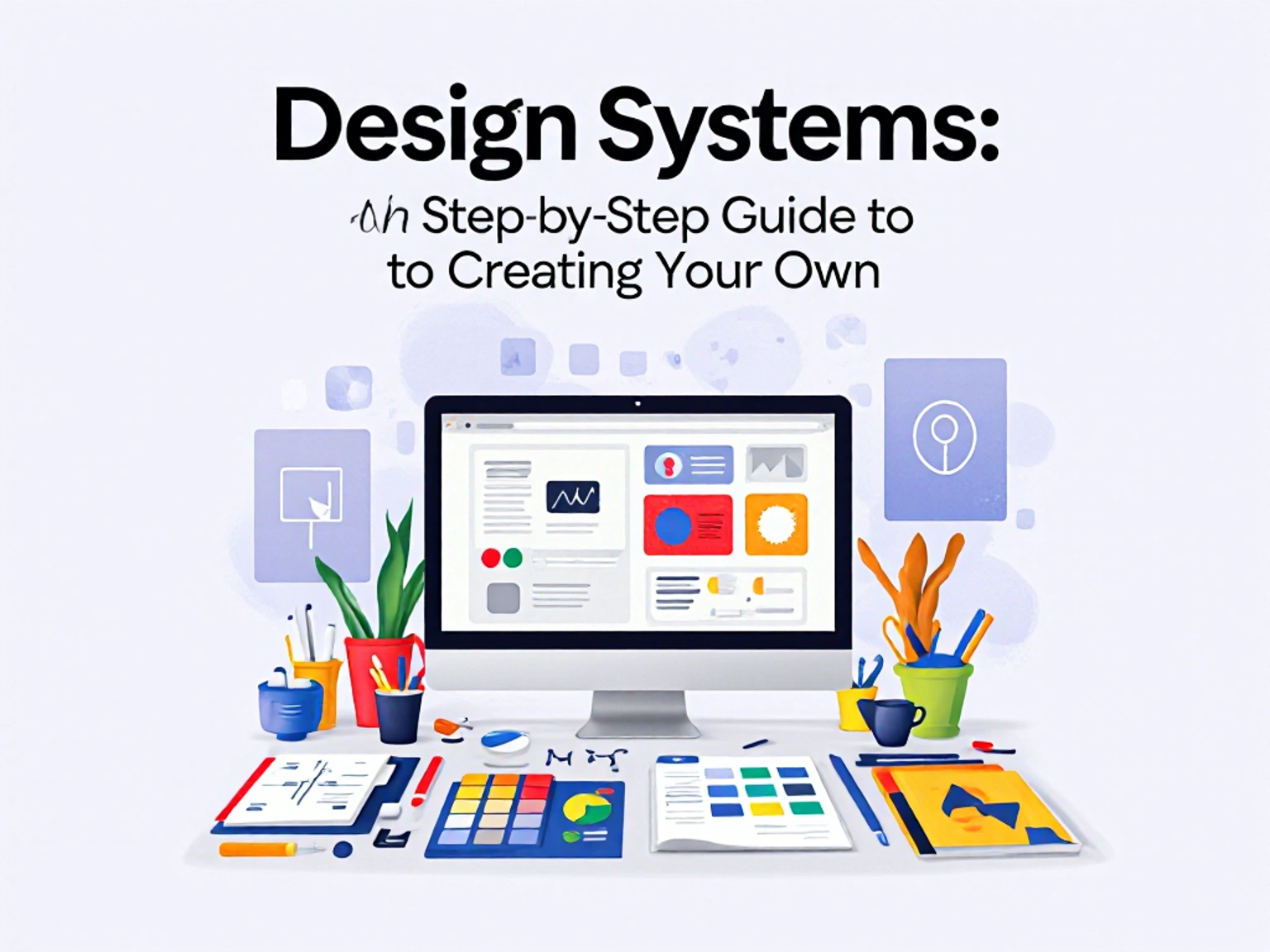
A design system is more than just a style guide. It’s a living framework that combines:
- Visual elements: typography, colors, icons, imagery, spacing, grids.
- UI components: buttons, forms, modals, navigation menus.
- Code snippets: front-end components (HTML, CSS, JavaScript, React, etc.).
- Guidelines: rules on when and how to use each element.
Principles: the philosophy behind your design decisions.
Keyword note: When people search “basic design system” or “how to build a design system,” they’re not looking for a single template—they’re looking for a structured way to unify design and development.
Unlike a simple style guide, which is static, a design system evolves. As new devices, user needs, and brand changes emerge, the design system adapts.
Why Companies Need Design Systems
Here are the key benefits of adopting design systems:
Brand Consistency
- Every color, font, and button looks the same across web and mobile.
- Customers recognize your brand instantly.
- Reduced Costs & Faster Development
- Teams reuse components instead of designing from scratch.
- Developers code faster using pre-built modules.
- Improved Collaboration
- Designers and developers speak the same “language.”
- Marketing teams know exactly what assets are available.
- Scalable Growth
- As your product portfolio expands, your design system scales with it.
- Better User Experience (UX)
- Users don’t get frustrated by inconsistencies.
- Navigation, forms, and CTAs behave predictably.
Simply put: Companies without design systems spend more money, more time, and deliver worse user experiences.
What Companies Use Design Systems (and Why They Use Them)
Some of the world’s biggest companies rely on design systems:
- Google – Material Design
Material Design sets standards for typography, motion, and interaction across Android, web, and devices. It allows Google products (Gmail, YouTube, Drive) to feel cohesive.
- Airbnb – Design Language System (DLS)
Airbnb uses its DLS to create consistent experiences across their platform, ensuring both hosts and travelers have seamless interactions.
- IBM – Carbon Design System
Carbon powers IBM’s enterprise-level tools, ensuring massive teams across the globe align under one system.
- Microsoft – Fluent Design
Fluent ensures Microsoft products—from Windows to Office—share a consistent visual and interaction framework.
These companies don’t just use design systems for aesthetics. They use them to:
- Reduce internal design conflicts
- Speed up product launches
- Build trust with users
Lower operational costs
If billion-dollar companies rely on design systems, why shouldn’t growing businesses?
Step-by-Step Guide to Creating a Design System
Here’s the detailed step-by-step framework on how to create a design system that works:
1. Research & Audit Existing Design Assets
Before building, you need to know what you have.
- Collect all brand assets (logos, fonts, colors, icons).
- Audit your website, mobile app, and marketing designs.
- Identify inconsistencies (mismatched colors, different button styles, uneven spacing).
- This audit reveals your current design debt—the messy inconsistencies slowing your brand down.
2. Define Principles & Goals
Ask:
Why are we creating a design system?
- To improve consistency?
- To scale product teams
- To make it easier to hire new designers?
Examples of principles: - “Our designs should be simple and accessible.”
- “We prioritize readability over decoration.”
- “Every component must be reusable.”
Your goals will guide the entire process.
2. Define Principles & Goals
Ask:
Why are we creating a design system?
- To improve consistency?
- To scale product teams
- To make it easier to hire new designers?
Examples of principles: - “Our designs should be simple and accessible.”
- “We prioritize readability over decoration.”
- “Every component must be reusable.”
Your goals will guide the entire process.
3. Create a Visual Style Guide
This is where the basic design system begins:
- Typography: Primary and secondary fonts. Sizes for headings, paragraphs, and buttons.
- Colors: Brand palette (primary, secondary, accent, background). Include hex codes.
- Spacing: Padding, margins, grid layouts.
Imagery: Photography guidelines, iconography styles.
Think of this as the DNA of your design system.
4. Build Reusable Components
Now it’s time to build a design system library of components:
- Buttons (primary, secondary, disabled)
- Input fields and forms
- Navigation menus
- Modals and popups
- Cards and grids
Each component should come with:
- Design rules (how it should look)
Code snippets (how it’s built)
Usage guidelines (when to use it)
This is where developers and designers align.
5. Document Your System (Design System Guideline)
A design system without documentation is useless.
- Document everything in a central hub (Figma, Notion, Zeroheight, Storybook).
- Write clear rules for when and how to use each component.
- Provide examples of good vs. bad usage.
This documentation becomes your single source of truth.
6. Establish Governance & Maintenance Rules
- Design systems fail when no one maintains them.
Assign ownership (a design lead, or a web designer you hire). - Create rules for adding new components.
- Set up version control to track updates.
A design system is a living product, not a one-time project.
7. Test & Iterate (Continuous Improvement Cycle)
Finally, test your design system:
- Check usability with real users.
- Test cross-browser and cross-device.
- Gather feedback from developers and marketers.
- Continuously refine and evolve the system.
Iteration ensures your system stays relevant as your business grows.
Common Mistakes When Creating a Design System
- Starting too big (better to start with a basic design system first).
- Ignoring documentation.
- Not involving developers early.
- Making it too rigid (no room for creativity).
- Failing to assign ownership.
Avoid these mistakes and you’ll save time, money, and frustration.
Basic Design System vs. Advanced Design System
- Basic Design System: Typography, color palette, logo usage, and simple components. Great for startups.
- Advanced Design System: Includes coded components, accessibility standards, motion design, governance, and cross-platform scalability. Ideal for enterprises.
Hiring a Web Designer to Build a Design System
Here’s why hiring a professional web designer matters:
- They bring expertise in UI/UX best practices.
- They understand scalability (so your system grows with your business).
- They can implement industry-standard tools like Figma, Storybook, and Zeroheight.
- They save you time by avoiding costly mistakes.
What to look for when hiring: - Portfolio with experience in design systems.
Knowledge of both design and development. - Strong documentation and communication skills.
At nzundemessien.com, we help businesses create custom design systems that save costs, improve user trust, and accelerate growth.
Future of Design Systems (AI, Automation, and Cross-Platform Scalability)
The future is exciting:
- AI-generated components will accelerate system creation.
- Automation will keep design systems updated in real-time.
- Cross-platform scalability will become crucial as companies design for web, mobile, AR/VR, and wearables.
Businesses that adopt design systems now will be ahead of the curve.
Conclusion
A well-crafted design system isn’t just about pixels and code. It’s about building trust, saving money, and creating seamless experiences.
If Google, Airbnb, and IBM use design systems, shouldn’t your company too?
FAQ Section (Optimized for Snippets)
Q1: What is a design system?
A design system is a structured collection of reusable components, guidelines, and principles that ensure consistency across digital products.
Q2: Why do companies need design systems?
Companies need design systems to save time, reduce costs, maintain brand consistency, and deliver better user experiences.
Q3: What is the difference between a design system and a style guide?
A style guide is static (colors, fonts), while a design system is dynamic, evolving with reusable components and coded elements.
Q4: How do you build a design system?
You build a design system by auditing assets, defining principles, creating a style guide, building components, documenting guidelines, maintaining governance, and iterating.
Q5: What are some companies that use design systems?
Google (Material Design), IBM (Carbon), Airbnb (DLS), and Microsoft (Fluent).
Q6: Should I hire a web designer to build a design system?
Yes. Hiring a professional ensures your system is scalable, documented properly, and aligned with best practices.